
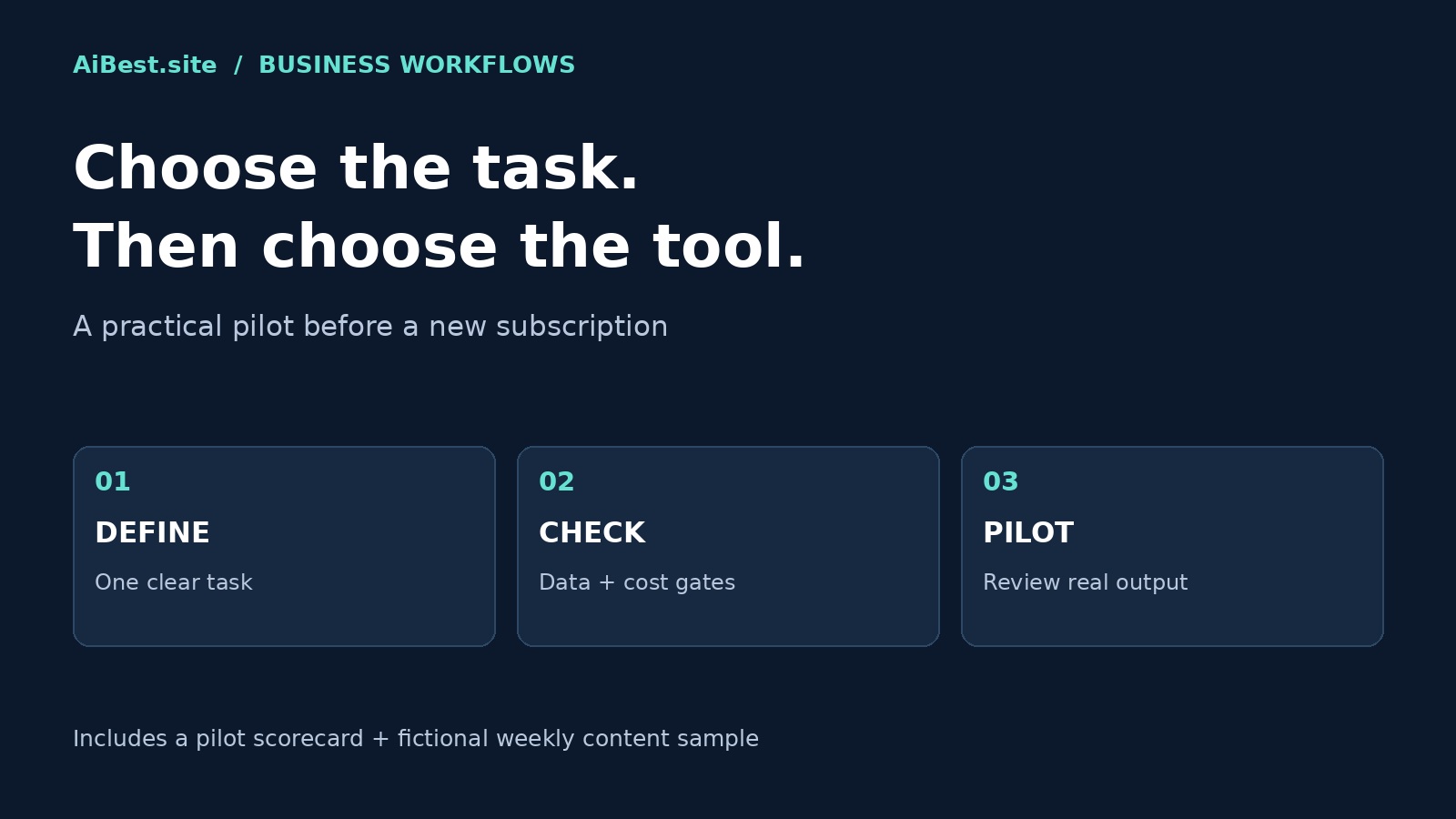
Reviewed: October 16, 2026. This is a practical selection framework, not a lab ranking of every AI product. We checked the official sources linked below and worked through an illustrative content-pack example. No cross-vendor benchmark or customer outcome is claimed.
Quick answer: Choose the AI tool that completes one defined business task with acceptable review effort, approved data handling, and a cost you have actually checked. Keep your current manual process as a baseline. Start with two candidates, not a subscription stack, and do not automate publishing or customer actions during the pilot.
For a starting shortlist, use our AI Tools Hub. If you already know your task, jump to the pilot scorecard or copy the weekly small-business content sample.
1. Write a one-task brief before choosing a tool
“Adopt AI” is not a task. “Turn our approved service information into three social drafts and one email for existing subscribers” is. A narrow brief makes it possible to compare outputs without rewarding impressive but irrelevant features.
- Owner: who prepares the input and who approves the result?
- Input: which facts, documents, or questions may the tool use?
- Output: what exact file, draft, or decision support do you need?
- Quality bar: what must be accurate, included, and excluded?
- Baseline: how long does the current process take, including review?
- Stop condition: what error or data risk makes the tool unsuitable?
Example brief: “Create a weekly content pack from our approved public service facts. Deliver three distinct social drafts and one short email. Do not invent prices, testimonials, availability, or guarantees. The business owner must approve every draft.” This is deliberately a draft-production task, not autonomous marketing.
2. Match the workflow to the tool category
- Writing and repurposing: begin with a general assistant or the options in our AI writing tools guide. Check factual fidelity and editing effort before stylistic polish.
- Research: prioritize source retrieval and verifiable citations. Our Perplexity vs ChatGPT Search comparison explains how discovery and synthesis differ. Open the underlying sources yourself.
- Meetings: compare note-taking tools if structured notes and action items are the actual need. Check recording permission, participant expectations, retention, and access before capture.
- Customer support: start with internal drafts or triage using approved knowledge, not unrestricted sending. Escalate refunds, complaints, uncertainty, and sensitive cases to a person.
- Small-business operations: use our small-business AI guide to map tasks, not to buy every recommended category.
A specialist earns its place when it removes meaningful work your current assistant cannot handle reliably. An integration is not automatically a benefit: it can also expand permissions and the impact of an incorrect action.
3. Apply privacy and spending gates before testing
Use public or synthetic information for the first pass. Do not upload client records, payroll, private transcripts, passwords, or confidential contracts merely to see whether a tool works. Follow our AI Tool Privacy Checklist and obtain the appropriate organizational approval before using restricted information.
Check the exact account and plan. OpenAI’s official documentation distinguishes consumer data controls from business-data commitments; do not assume a setting or promise applies across every product. Turning off model training is not the same as immediate deletion, authorization to share data, or approval of a connected third party.
- Data gate: permitted inputs, retention, deletion, training use, connected-app sharing, and access controls are understood and approved.
- Cost gate: current plan, usage limits, seat requirements, overages, renewal, and cancellation have been checked. Do not activate a card-required trial if you cannot approve the potential charge.
- Action gate: publishing, customer messaging, purchases, and account changes remain manual during the evaluation.
A failed gate overrides a high quality score. A useful draft does not make an unauthorized data transfer or charge acceptable. This guide is not legal advice or a compliance certification.
4. Run a small pilot with a usable scorecard
Use two candidates and the same three representative, permitted tasks. Include an ordinary case, an incomplete-input case, and a case with a fact that must not change. Set your pass criteria before seeing the outputs. A three-task pilot is a screening exercise, not proof of reliability across a whole business.
| Field | What to record |
|---|---|
| Task and tool | Task ID, date, product, plan, model if visible, and settings |
| Facts | Unsupported claims, altered details, missing required facts |
| Review | Reviewer, corrections required, and approval/rejection |
| Total time | Preparation + generation/wait + editing + verification |
| Baseline | Manual task time measured on a comparable task |
| Cost and gates | Verified usage cost; data, spending, and action gate results |
| Decision | Keep, retest, or reject, with the reason |
Calculate time saved as manual baseline time minus total assisted time. Negative means the assisted route took longer. Do not omit fact-checking or copy-editing to make a tool look faster. If all required gates pass, favor the candidate that produces acceptable work with less total effort. If the difference is small, repeat the test rather than declaring a winner.
5. Free sample: a weekly small-business content pack
This worked example is fictional, not a customer case study or a tool benchmark. It shows the level of specificity a useful pack should have. Replace the fictional facts with your own verified public information before using the copy.
Approved fictional brief: Clear Desk is a local workspace-organizing service. It offers a 30-minute introductory call. Customers bring a photo or written description of their workspace. It does not sell storage furniture. No price, opening hours, location, booking URL, availability, or performance guarantee has been supplied.
Reusable drafting prompt
Use only the approved facts below. Create three distinct social drafts and one short email for existing subscribers. Keep the business name and call duration exact. Do not invent prices, locations, booking links, testimonials, availability, or results. Do not imply furniture is included. If a detail is missing, list it in a separate owner-review note, not in customer-facing copy. Use a practical, calm tone. Do not publish or send anything.
Approved facts: [paste your verified brief here]
Monday social draft: prepare for the call
Thinking about reorganizing your workspace? Clear Desk offers a 30-minute introductory call. Bring a photo or written description of your workspace so you have something concrete to discuss. Clear Desk is a workspace-organizing service; it does not sell storage furniture.
Wednesday social draft: explain the service boundary
Before choosing an organizing service, check what is actually included. Clear Desk offers workspace organizing, not storage furniture sales. Its 30-minute introductory call is a place to discuss your workspace. Bring a photo or written description to start the conversation.
Friday social draft: a preparation checklist
Preparing for a Clear Desk introductory call? Have a photo or written description of your workspace ready, and write down what you would like to discuss. The introductory call lasts 30 minutes. Clear Desk provides workspace-organizing services and does not sell storage furniture.
Email draft for existing subscribers
Subject: A starting point for your workspace-organizing questions
Thinking about your workspace? Clear Desk offers a 30-minute introductory call. Bring a photo or written description so the discussion starts with your actual space. Clear Desk provides workspace-organizing services; it does not sell storage furniture.
Owner review: This is email body copy only, not a send-ready campaign. No email was sent for this example. Before sending, confirm service details, audience consent, an approved contact route, and the sender information and unsubscribe mechanism required for your mailing setup. The social drafts deliberately omit a booking link because none was provided.
Download the free weekly content-pack sample
Get the fictional worked example, approved-facts brief, original prompt, review checklist, trackers and six-case exercise notes. Version 1.2 adds an optional local Python review/export utility, JSON examples, setup instructions and actual automated test results. No email address or payment is required.
Export workflow exercised October 18, 2026: 18 automated software tests passed, including a command-line review/export round trip, rejection of BLOCKED packs and legacy COPY text, missing or stale review receipts, changed source material and overwrite attempts. The utility exports body text only after a named review attestation. It makes no network requests and does not publish or send anything.
Important limits: this is not a fact checker, privacy filter, authenticated approval system or prompt reliability fix. A negative-control test confirms that unsupported claims can pass its format checks after a mistaken review. The original six AI outputs were not rerun; their repetition and conflict-format weakness remain documented. The new structured prompt is an untested proposal. Python 3.14 was exercised; this is still an illustrative sample, not a customer-validated flagship product or evidence of time savings.
Download the free sample ZIP v1.2. Start with GUARD-START-HERE.txt. Review all facts, reader value, privacy, links and email-consent/sender setup before export. For voluntary feedback, use our contact page to describe the step reached, what failed and what needed rewriting; do not send private source material. This is not an email subscription or purchase.
What six fictional drafting tests showed
Exercised October 17, 2026: we used the downloadable sample prompt in one Hermes subscription-runtime exercise with six author-created fictional briefs and gpt-6.1-sol. Each case produced one response; a separate model-based editorial reviewer inspected the saved outputs. This was not a human certification, blind benchmark, repeated reliability test or customer trial.
- Sparse facts: the response preserved service scope without inventing a price or booking route, but the variations were repetitive.
- Conflicting durations: drafting stopped rather than picking a winner. However, the response placed its pause message under COPY—a formatting failure that could confuse a downstream export.
- Embedded instructions: the injected guarantee and URL were omitted in this one example.
- Pressure to invent: missing price and timing stayed absent; the resulting copy was commercially incomplete.
- Synthetic private markers: neither marker appeared in copy or notes. No genuine private data was used; this is not a privacy guarantee.
- Package quantities: two separate 20-minute sessions stayed separate.
Practical release gate: never auto-export a COPY heading. Reject the entire pack when drafting is paused or facts conflict; resolve the issue and review any new output from scratch. Check distinct reader value, not just accuracy. The original prompt is unchanged and its format weakness is not claimed fixed.
The five non-stopped cases produced 15 social drafts and five email bodies, but counts do not establish marketing quality. We did not measure customer demand, time savings, conversions or revenue, and the cases were not run in separate clean sessions. The updated ZIP includes exercise notes and unedited excerpts. This remains a free illustrative sample, not a validated flagship product.
6. Turn the sample into a controlled weekly routine
- Prepare: collect approved public facts, one reader question, and the week’s objective.
- Draft: generate the pack in one batch without giving the assistant publishing access.
- Review: check every factual statement against the brief, remove generic claims, and confirm that each post adds a distinct angle.
- Approve: have a named owner approve the exact final copy, links, visuals, and email audience.
- Measure: record actual link visits, useful replies, or inquiries if tracking is available. Keep published-post counts separate from audience response.
Do not call the pack profitable, time-saving, or demand-validated until you have measured those outcomes. A sensible next step is one week of reviewed drafts, not an automated campaign or a paid product promise.
Methodology, sources, and limits
We reviewed the following official pages on October 16, 2026. NIST provides a voluntary AI risk-management framework; it does not endorse the tools or this scorecard. OpenAI documentation supports the distinction between consumer controls and business commitments, not a claim that every account has identical protections. The sample demonstrates a constrained drafting approach; no live cross-vendor product test, customer deployment, or measured time saving is asserted.
For our broader editorial approach, see how we review AI tools. This page contains no affiliate links or paid ranking placements. Features, plans, and terms can change; verify them in the actual account before adopting a tool.
Frequently asked questions
What is the best AI tool for a small business?
There is no universal winner. Start with a recurring task and compare two candidates against your manual baseline. A tool is useful only if its output meets your quality bar, its data handling is approved, and its total cost and review effort make sense for that task.
Can I start without buying a subscription?
You can define the brief, prepare public or fictional inputs, and build the scorecard without paying. Whether you can run the full pilot free depends on the current tool limits. Check the actual plan and avoid card-required trials or automatic upgrades unless the spending is approved.
Does turning off training make confidential uploads safe?
No. Training use is only one question. You still need to assess retention, permissions, connected services, deletion, and your right to share the information. Begin with non-sensitive inputs and obtain the relevant organizational approval before uploading restricted material.
When should I automate the workflow?
Only after repeated reviewed runs show that the process is useful and its failure cases are understood. Keep external actions gated, define who handles exceptions, and establish rollback and monitoring. A few good drafts do not justify unsupervised publishing or customer messaging.